By Imogen Rowan Bellweather · Publisher: EuphoriaMegaRush Returning Screen Notebook
Look before the next tap
A phone call ends, you return to a browser game and your thumb heads towards the place where the main button was. Take a moment first. The tab may show a loading screen, a message or a different arrangement of controls.
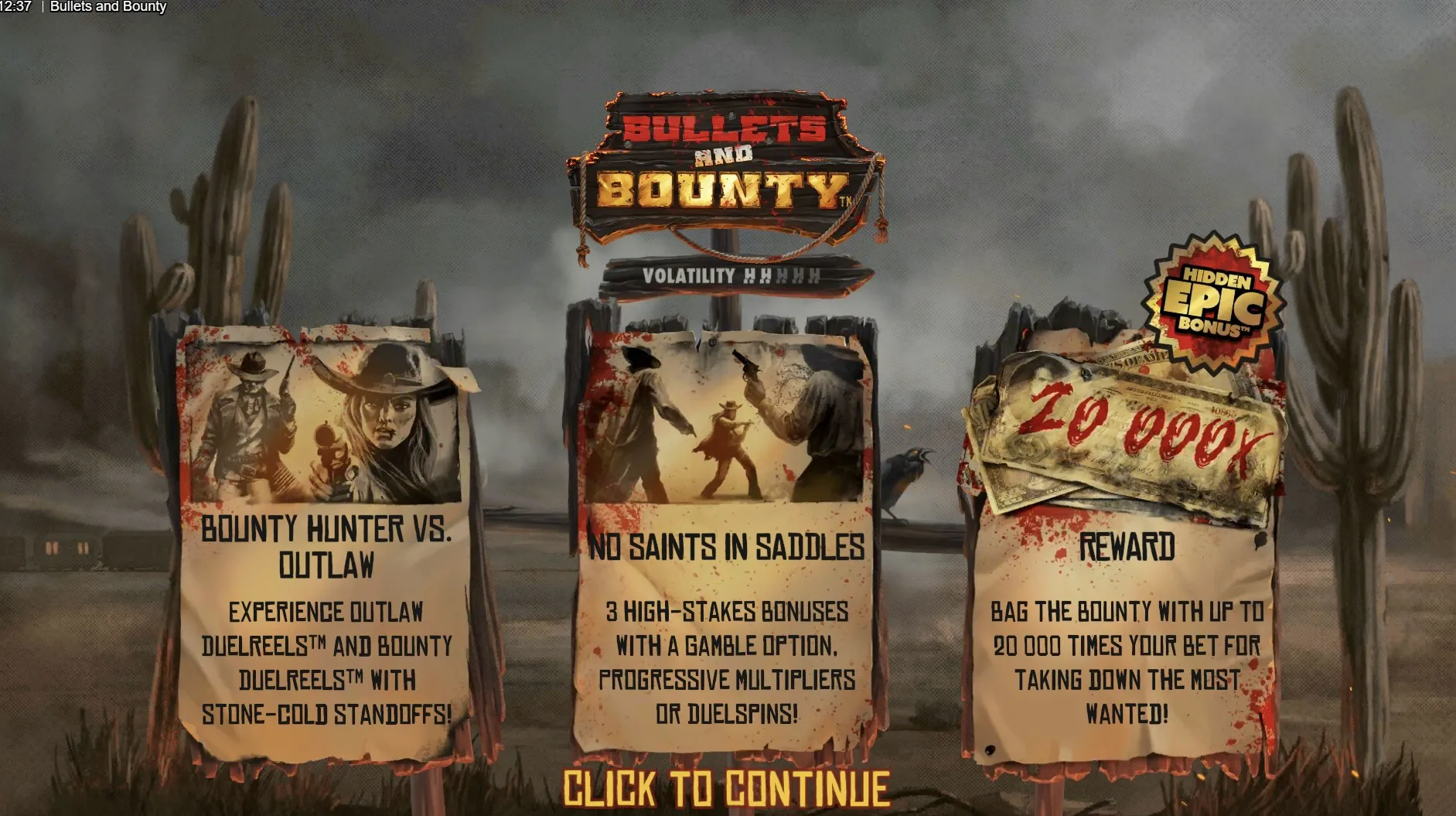
Check what is actually visible
Start with the page address and the title inside the game. EuphoriaMegaRush’s game pages contain embedded players, so the surrounding page and the game area are separate parts of the experience. Seeing the familiar site header does not establish that the embedded player has finished loading or that it has restored an earlier session.
A calm return sequence
- Wait until the screen stops changing and any message is readable.
- Check the game title and the label beside the main control.
- Look for an open help panel, overlay or unfinished animation.
- Decide whether you still want to play before starting another round.
A remembered balance is not a reliable record on its own. You may have looked at a feature total rather than the available credits, or missed a final update before leaving. If a history or help panel exists, use its labelled information. Do not assume that a changed number proves lost progress, and do not repeat actions to recreate a remembered figure.
| Observation | What to check | Avoid assuming |
|---|---|---|
| Different balance | Unit and current state | A guaranteed saved total |
| Loading message | Whether controls are ready | That taps were accepted |
| Familiar artwork | Game title and help | Identical rules |
In September 2026, the useful question remains specific: what does this browser game say about saving and returning? Different games can handle these matters differently. A site account, a browser tab and a game session should not be treated as interchangeable. If no explanation is provided, keep the uncertainty rather than promising yourself that every detail will return.
Make the screen comfortable
On a phone, the browser toolbar, keyboard or an open menu may reduce the space available to read. Close only the panels you recognise, then check that the main labels remain visible. Turning the device can change the layout again. Wait for that movement to finish before touching a control, especially when two buttons sit close together.
- Keep important labels readable rather than guessing from an icon.
- Adjust sound with a clearly identified control when available.
- Move to a larger screen if the help text is uncomfortable to read.
Zoom can help with the surrounding page, although an embedded game may respond differently. Check the result instead of assuming that every element has enlarged. If a button disappears or text is clipped, returning to the previous view is more useful than tapping blindly.
A frozen display is a reason to pause. Repeated taps make it harder to know which action, if any, was received. Read any visible message before considering a reload, and remember that reloading may restart the player rather than restore it. The article on checking game details explains why the loaded title and its own help matter.
Choose whether to continue
An interruption can be a natural endpoint. Ask whether the original reason for playing still applies and whether there is time to finish comfortably. A clear decision to leave can be just as satisfying as returning, especially when something else now needs your attention.
If you were sharing the session, explain that you stepped away rather than trying to catch up with another person’s total. They may have stopped too. Our article on sharing game discoveries suggests ways to keep that exchange easy. A conversation does not need matching progress, and nobody needs to reconstruct a missed sequence for the group.
Author’s opinion
I treat a returning browser game as a fresh choice, even when the screen looks familiar. Reading one message and checking one button takes less attention than untangling several hurried taps. My preference is to continue only when the interface makes sense and I still want the break; an open tab is never a reason by itself.